Features
Everything it does today.
A Mac app that isn’t Electron, with an iPhone companion. No account anywhere. One ⌘V fills a whole form. Here’s the whole list, including what isn’t built yet.
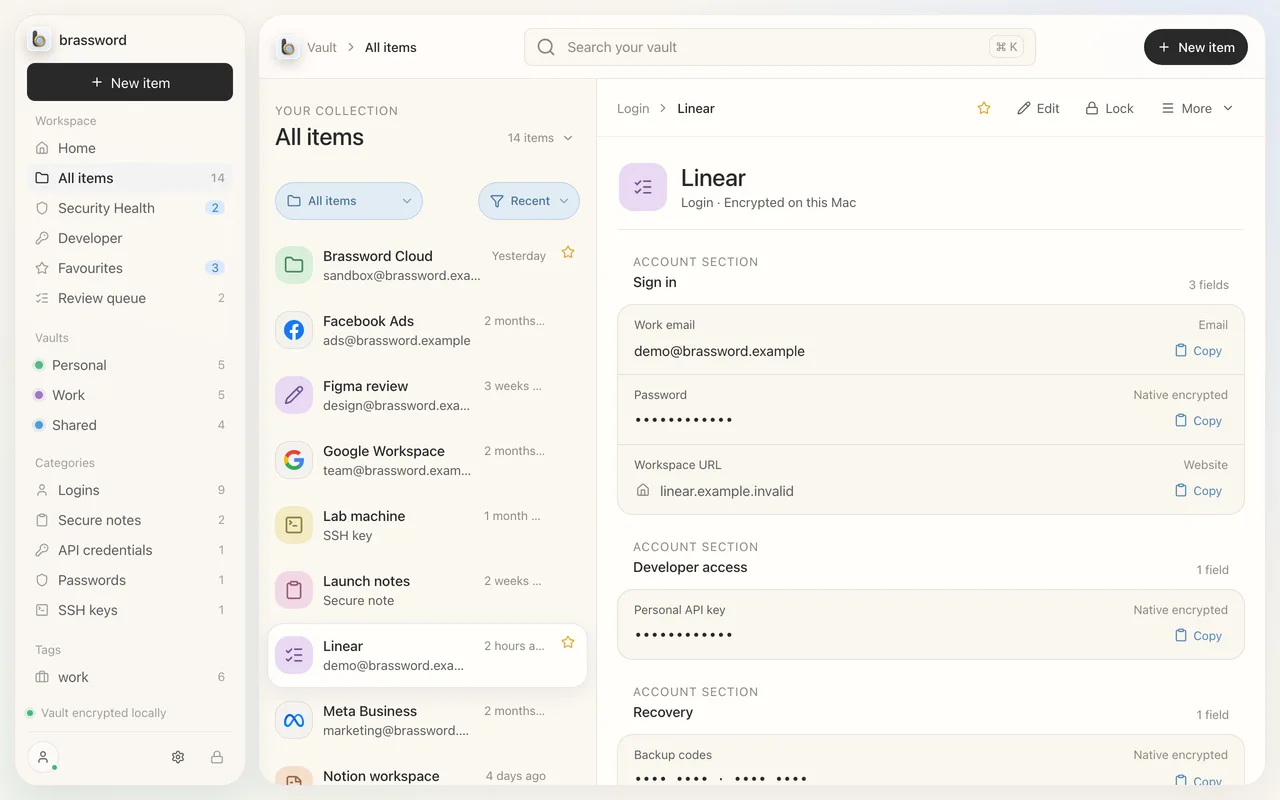
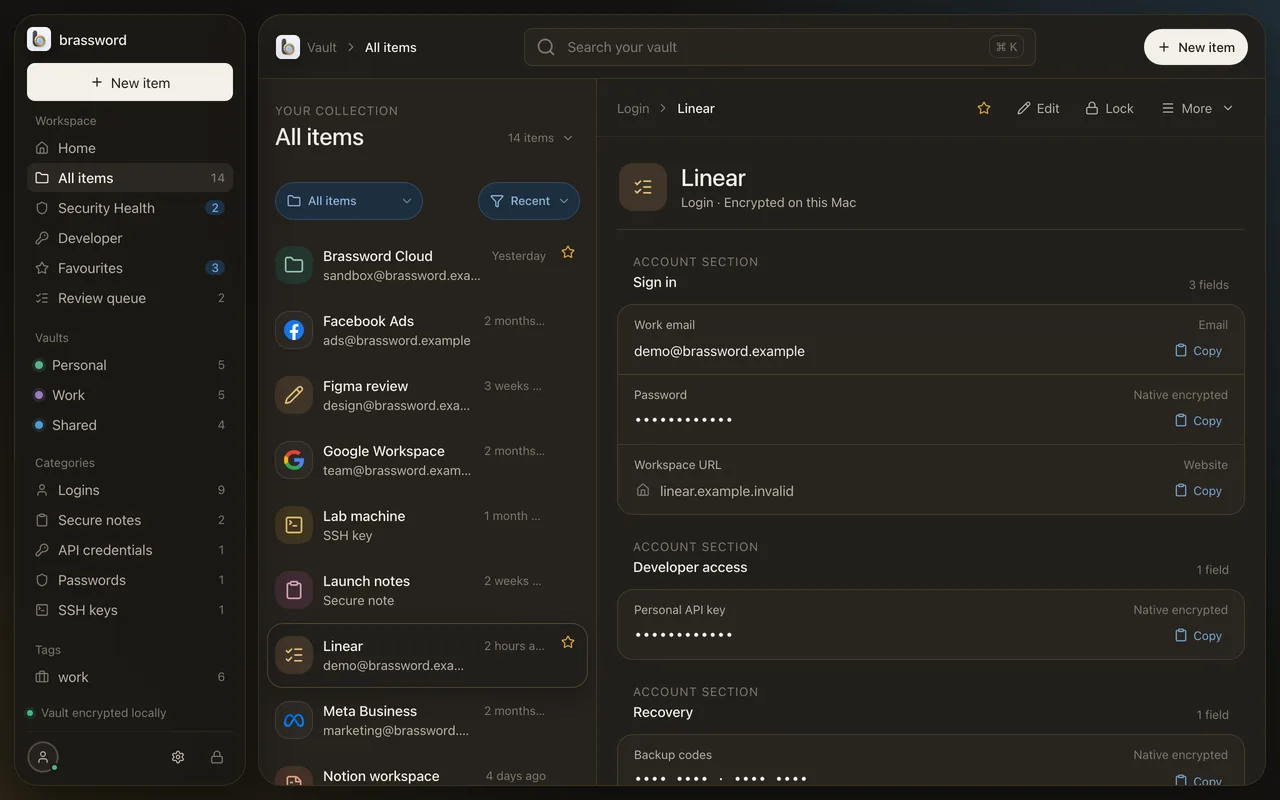
Brassword Autofill
One ⌘V fills the whole form.
Arm a passport, card or identity, click the form, press ⌘V once. Names, dates, dropdowns too, each reshaped to fit its field. Fields are matched on your Mac, in any app on your Mac.
Passport to Example Air: copying and pasting takes 8 trips; with Brassword one ⌘V fills all 8 fields.
Passport → airline
Title from the passport, dates rewritten to the form’s DD/MM/YYYY.
Card to Example Shop: copying and pasting takes 5 trips; with Brassword one ⌘V fills all 5 fields.
Card → checkout
Number, expiry, name and the CVV land in the same paste. No trip back for the three digits.
Identity to Example Stays: copying and pasting takes 6 trips; with Brassword one ⌘V fills all 6 fields.
Identity → hotel
First and last name split from the full name, the number rewritten the way the form wants it.
Shown with made-up details. Brassword fills what the form asks for and leaves anything it can’t match empty for you.
23 item types
A home for the things that aren’t passwords.
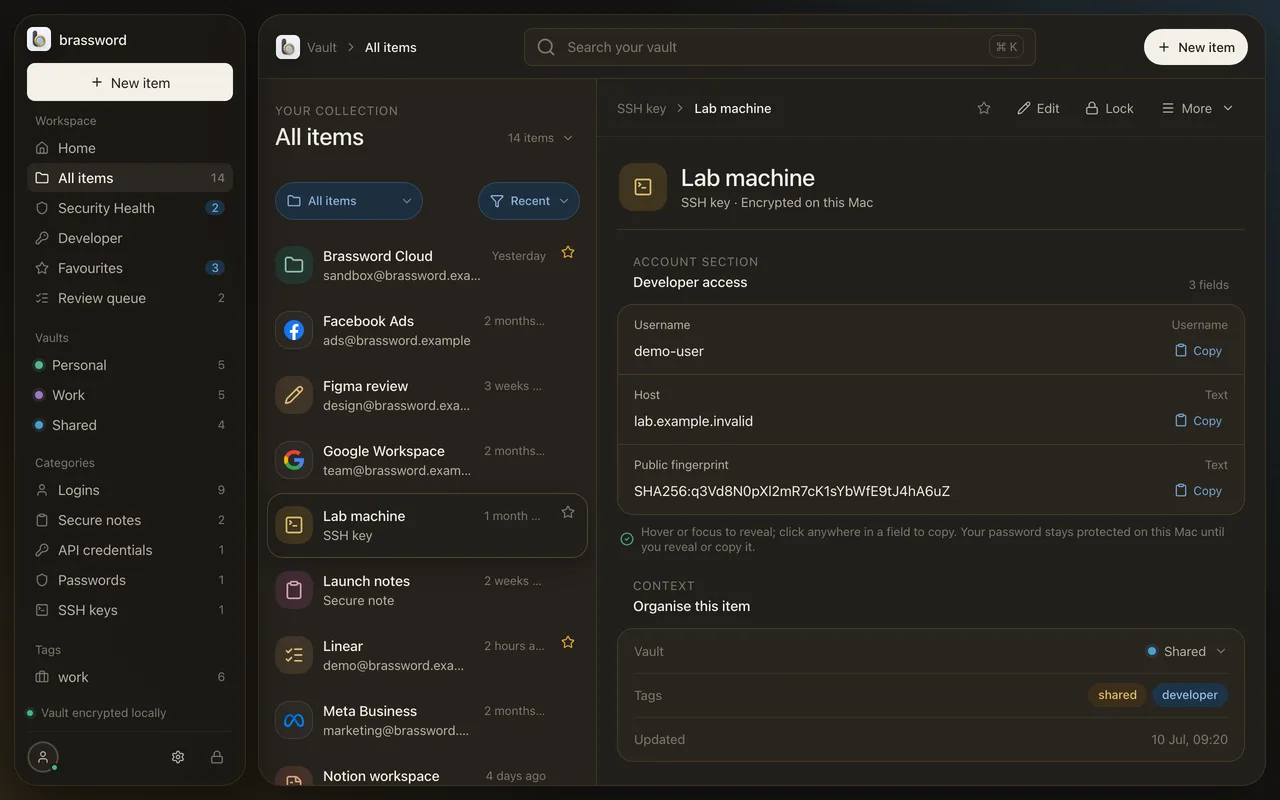
Each type has its own fields, so a passport has a number and an expiry date, and an SSH key has a fingerprint. Anything that doesn’t fit becomes a custom field, never dropped.
- Login
- Password
- Secure note
- Card
- Identity
- Passport
- Visa
- Driving licence
- Bank account
- Email account
- API credential
- SSH key
- Server
- Database
- Wi-Fi
- Crypto wallet
- Medical record
- Document
- Membership
- Software licence
- and more
Bring it in
Import from 1Password. Scan the rest.
- 1Password .1pux import: logins, cards, notes, identities, bank and email accounts, API credentials, SSH keys, crypto wallets, medical records and documents.
- Attached files come across as encrypted attachments. Re-importing doesn’t duplicate.
- Passport scan reads the machine-readable lines on your Mac and checks every check digit.
- Card and document scans land in an Inbox, ready to file.
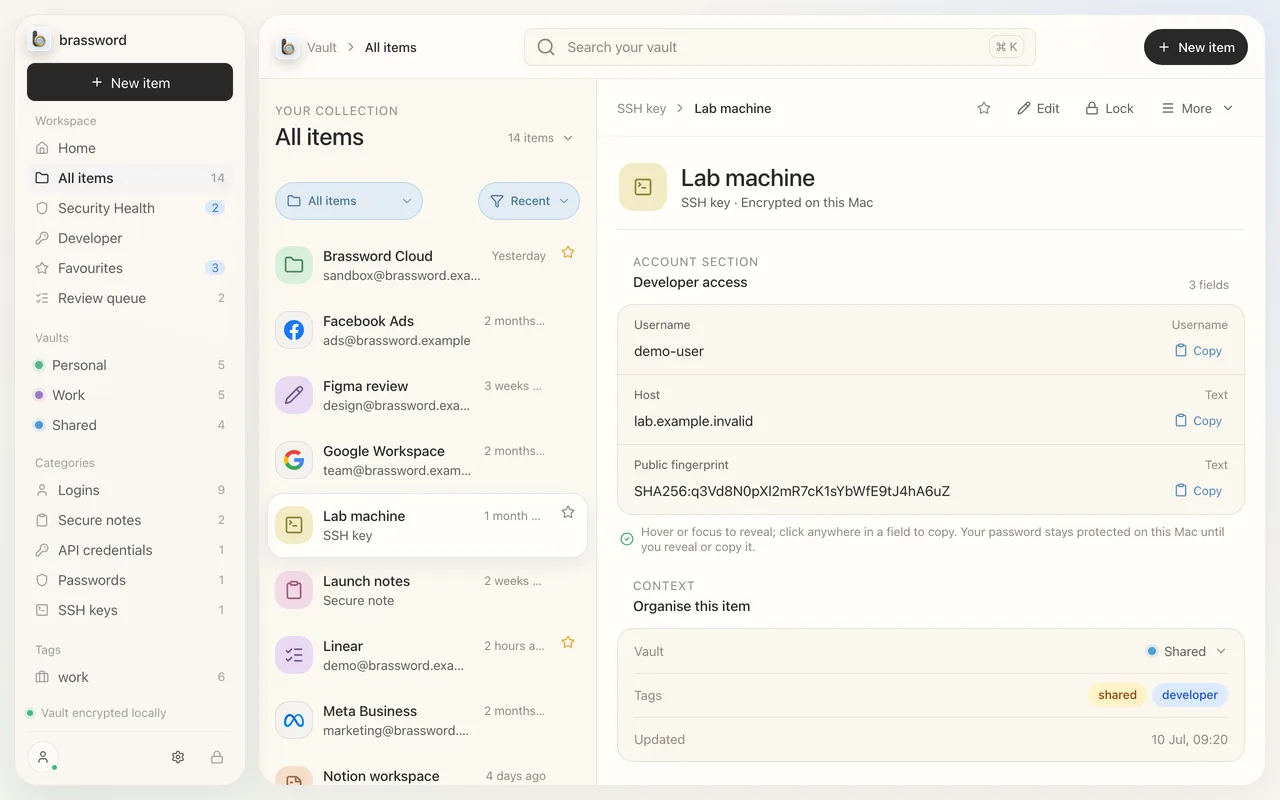
Locked down, synced up
Touch ID on the Mac. Encrypted sync to your iPhone.
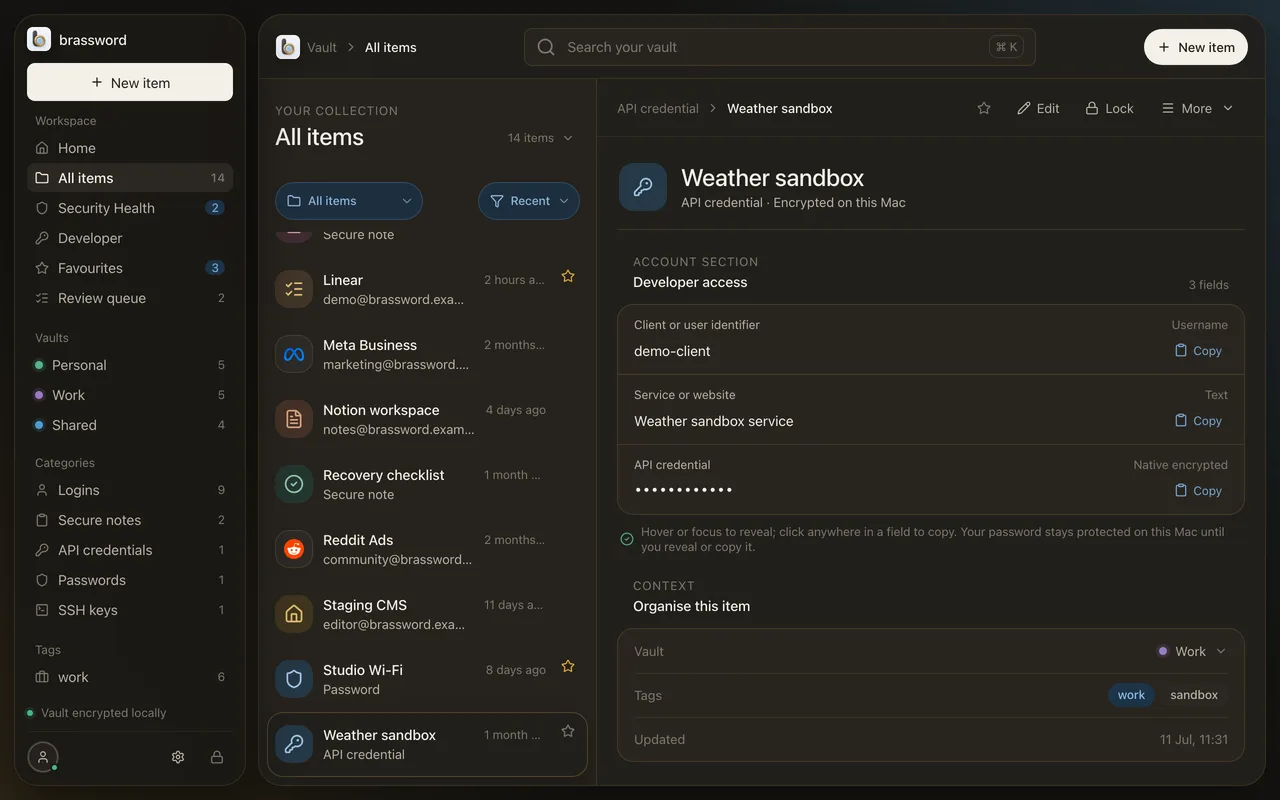
- Encrypted on the device with a passphrase only you know. No account, no sign-in.
- Touch ID unlock, through a key held by the Secure Enclave.
- Mac to iPhone sync, paired by QR code, through a relay that only ever sees ciphertext.
- Vault files are readable only by your user account on disk.
Look after it
Health checks, backups and a way back in.
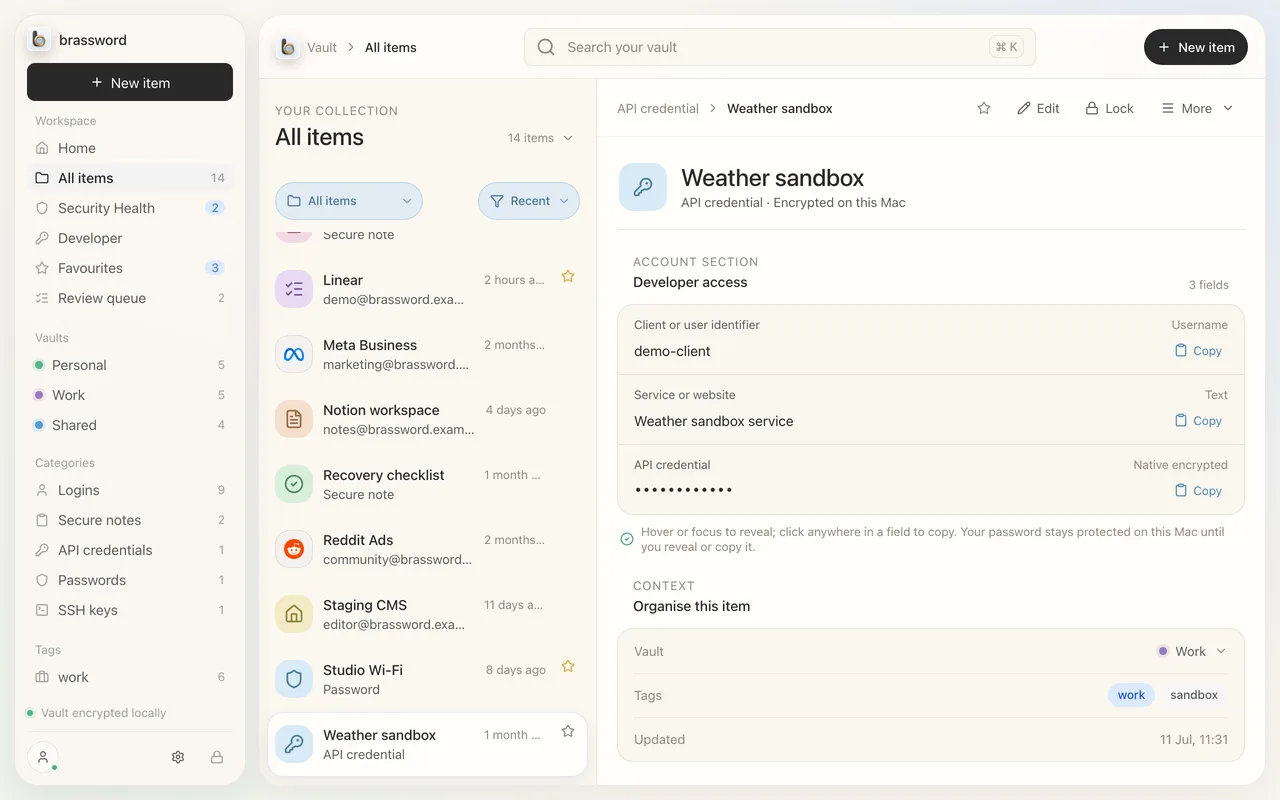
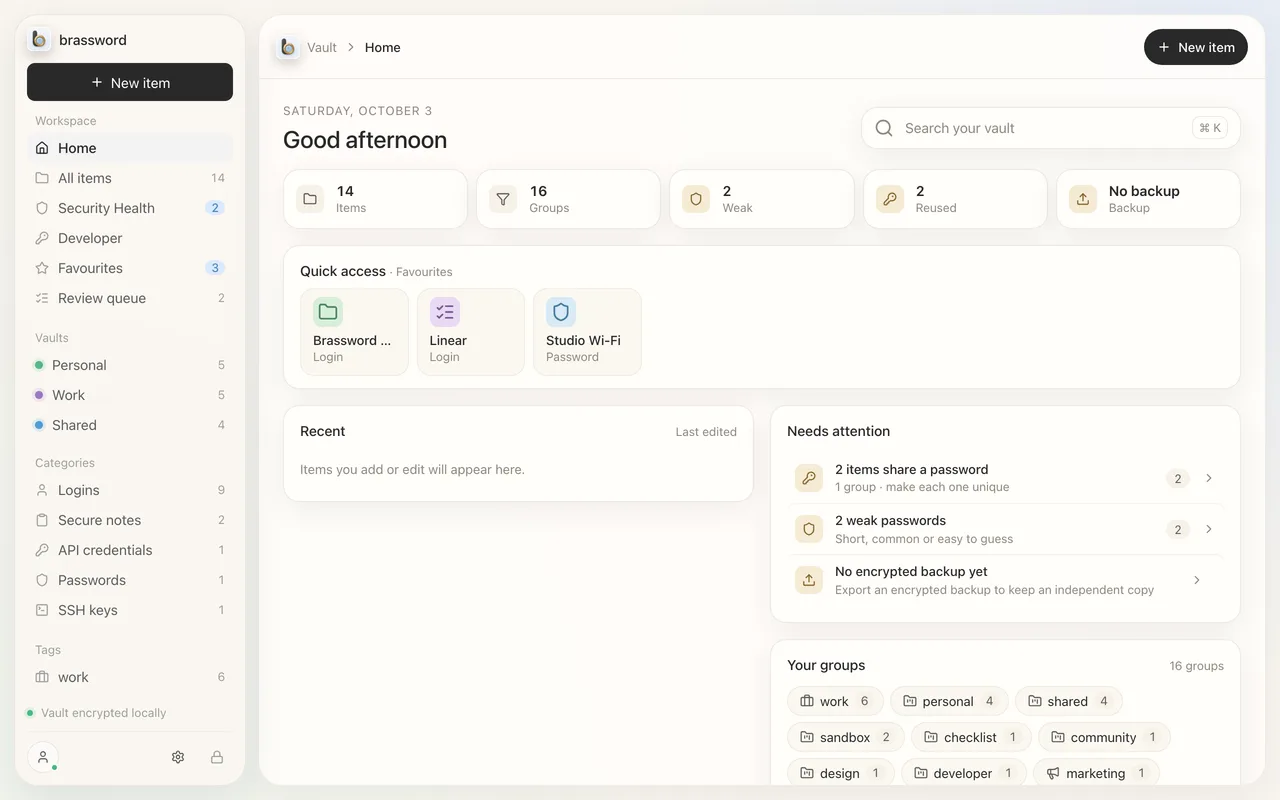
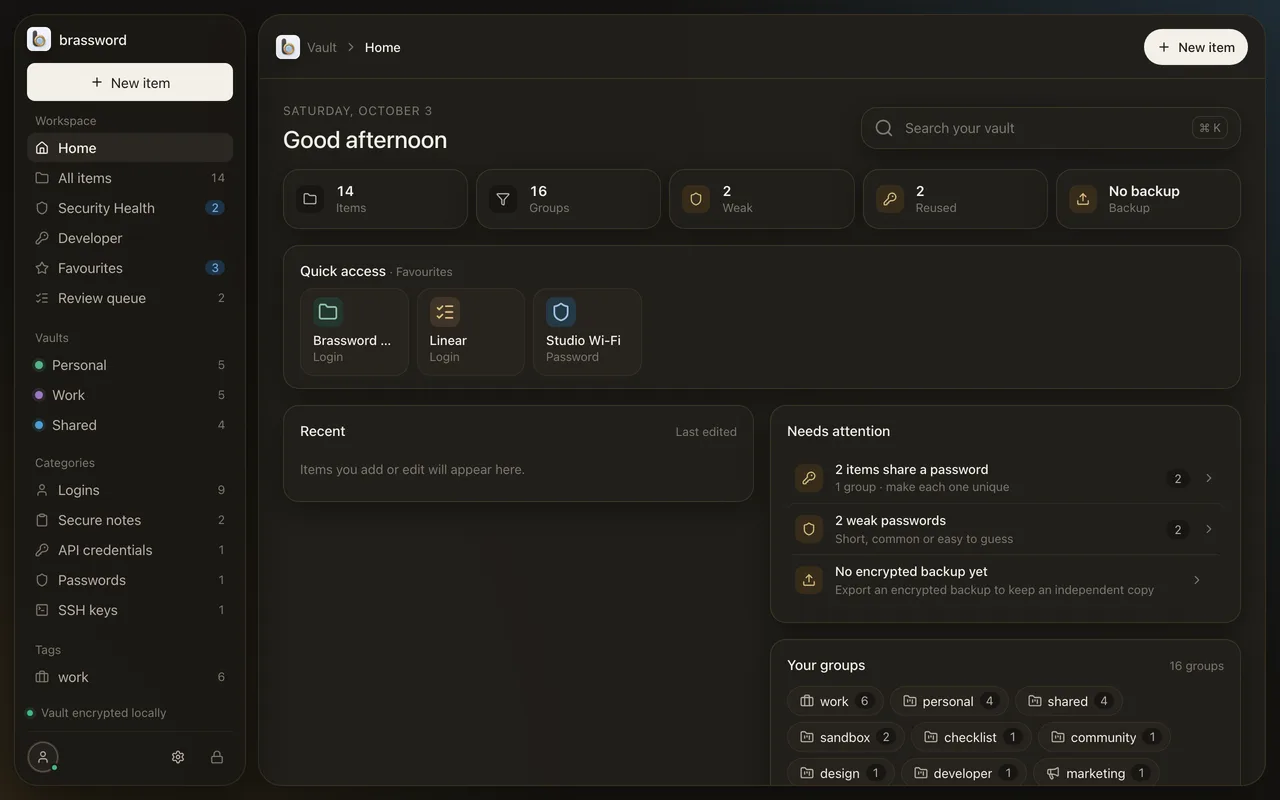
- Home flags weak, reused and expiring items, and whether you have a recent encrypted backup.
- A Recovery Key for when the passphrase goes.
- Portable encrypted backups you can export and restore, with protection against rolling back to an older copy.
- Auto-tags and People: items group by who they belong to. A password generator is built in.
Not here yet
What Brassword doesn’t do.
Better you hear it from us than find out after you’ve paid.
- No browser extension.
- No passkeys.
- No iPhone AutoFill. The iPhone app is a companion: it shows, searches and copies.
- No Windows, Android or web vault.
- No sharing links yet.
- No family or team plans yet.