Security
How it’s built, plainly.
Brassword hasn’t been independently reviewed yet, so we won’t borrow words like “proven”. Here is the design, what it protects against, and what we’re still working on.
The design
No account
There’s nothing to sign up for and no server holding your vault. You can’t be locked out by an account problem, and there’s no account database to leak.
Encrypted on your Mac
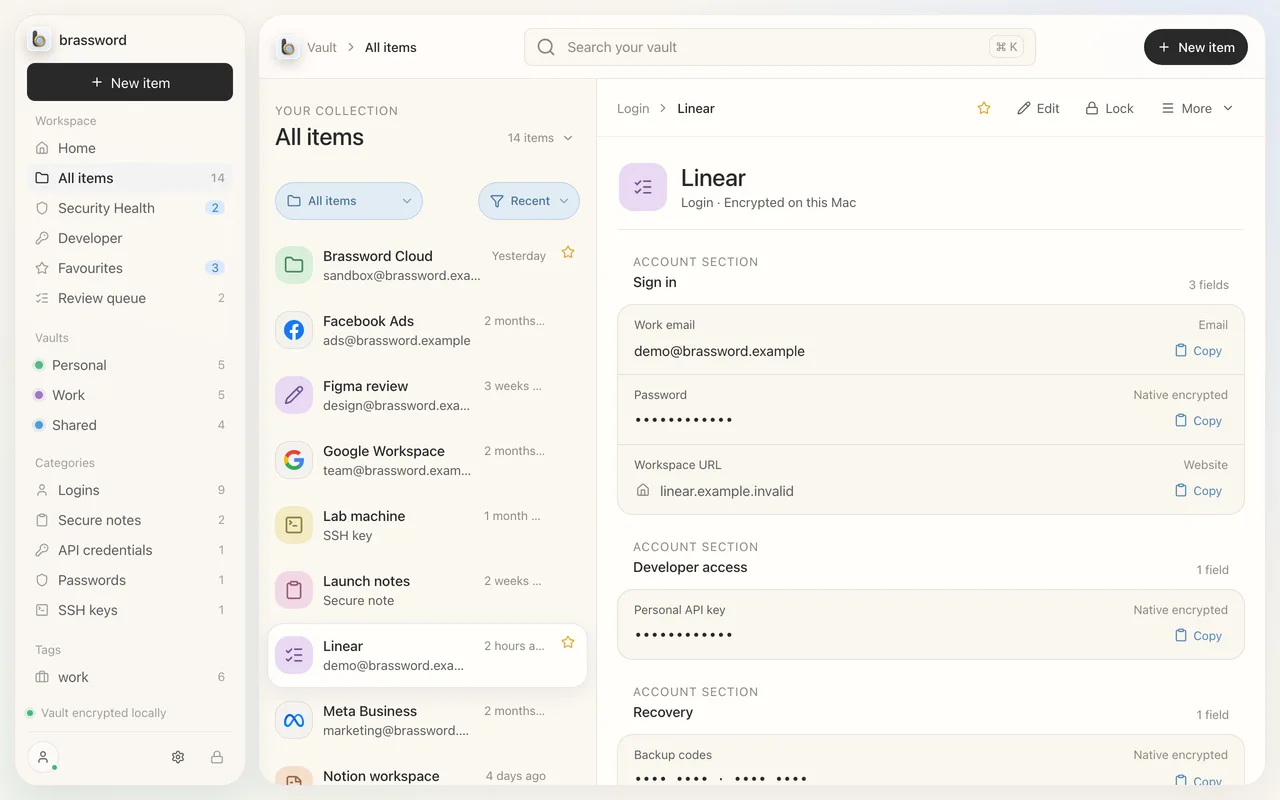
Your vault is encrypted on the device with keys derived from your passphrase and a device Account Secret. Nothing decrypted is written to disk, and vault files are readable only by your user account.
Touch ID
Day-to-day unlock uses Touch ID, through a key held by the Secure Enclave, with no passcode fallback in its place.
Sync sees ciphertext
Mac and iPhone pair by QR code. The relay between them stores and forwards encrypted, signed updates. It never has your passphrase or keys.
Recovery you hold
A Recovery Key and portable encrypted backups. Restores refuse to roll back to an older copy without telling you.
A small app surface
The interface runs with no network access of its own, and the app’s Swift core does the encrypting, storing and copying.
Updated 3 October 2026
What we’re still hardening
An internal review in September 2026 gave us a list. We’re working through it before launch. Areas in progress:
- ⌘V form filling, which is why it’s marked early and kept off the home page.
- What happens when you remove a device from sync.
- Locking the vault automatically with your Mac’s screen lock.
- How copied passwords are marked for the clipboard.
- Limits and quotas on the sync relay.
- Release build checks.
We’ll publish details once each item is fixed, not before.
Report a vulnerability
Found something? Please tell us privately first, at security@brassword.app.